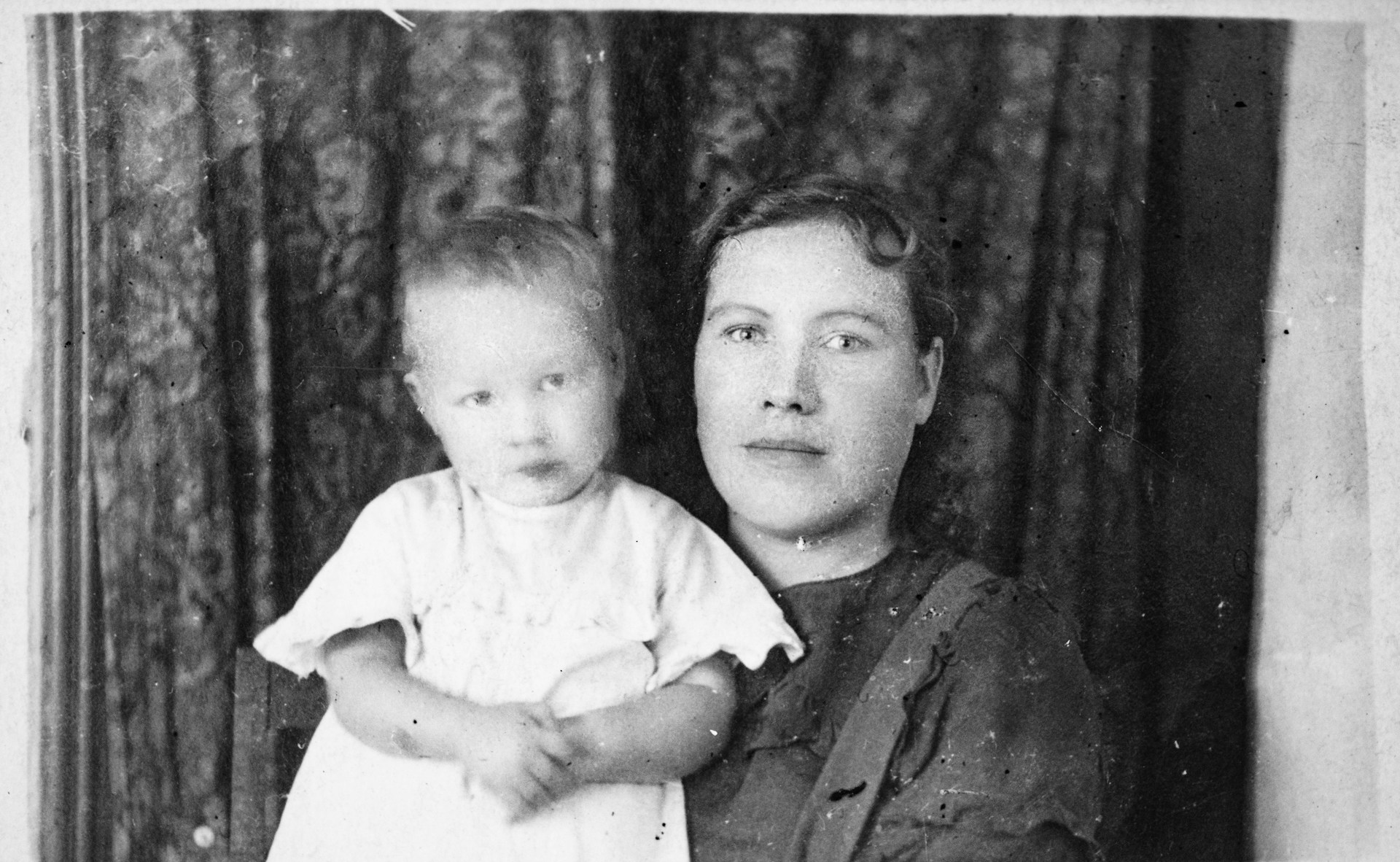
Old photos are more than just pieces of paper. They hold memories most of us want to keep. But over the years, they often pick up scratches, creases, fading, or even tears. For a long time, fixing that kind of damage meant either learning complicated software like Photoshop or paying a professional retoucher.
Fortunately, AI has changed that. Restoration is now quick and straightforward. Jobs that once took hours are finished in seconds. The tools can fill in gaps, clean up damage, and colorize old black-and-white shots quite accurately.
In this article, we’ll explain how it works and introduce five AI tools that can restore your damaged photos.
How AI Tools Fix Photo Damage
So how do AI tools actually fix old photos? Instead of making you do all the work manually, they handle the heavy lifting.
Take traditional software like Photoshop. You have to go in and clone or heal each scratch one by one. AI tools skip that whole process. They are trained on thousands of images—both damaged and pristine—so they learn what things are supposed to look like and rebuild the missing parts automatically.
When you upload a scratched or creased photo, here’s what happens:
- The AI pinpoints the damaged area by analyzing surrounding patterns.
- It intelligently fills in missing details by predicting the original content.
- It accurately distinguishes between a real scratch and natural features, such as eyebrows or smile lines.
The same technology also does colorization and facial enhancement. Black-and-white photos get realistic color tones. Blurry portraits get sharpened so faces look clear. The result is a restored image that looks natural, as if the damage was never there to begin with.
Best Tools for Fixing Scratches and Creases in Images
Not sure which AI restoration tool to choose? We have curated the top five based on ease of use, restoration quality, and unique features—so you can find the perfect fit for your needs.
1. Renew Photo
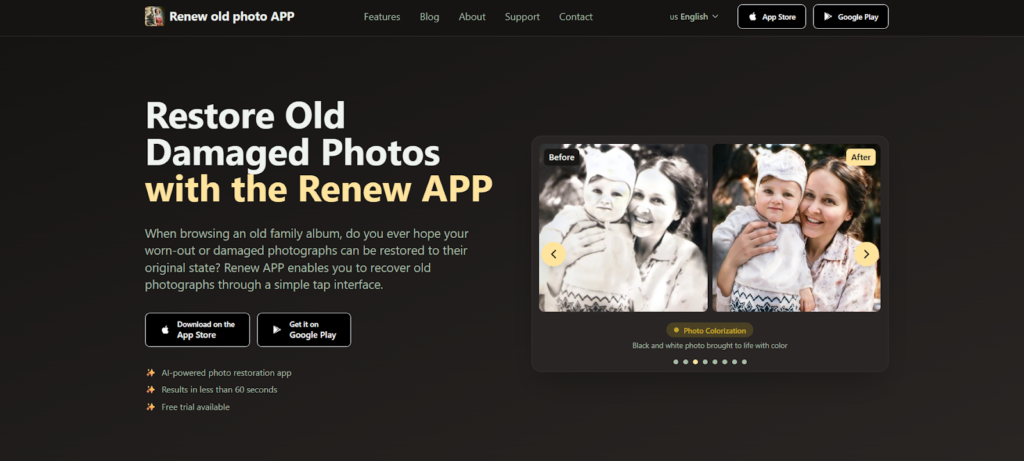
Renew Photo is an AI-powered app that restores old and damaged photos. But unlike a lot of editing tools, it’s built to be simple. You tap to select a photo, and the app handles the rest.
It works on faded color pictures and black-and-white prints. You do not need to know anything about editing or restoration. The app detects damaged areas and recreates missing details in a way that looks natural, and you get results in under a minute.
Beyond basic repair, you can sharpen details, adjust lighting, combine multiple photos, or colorize black-and-white images. You can also animate still portraits into short moving videos.
The app is a good fit for anyone who has old family photos. It handles childhood snapshots and vintage wedding portraits alike, cleaning them up so you can share or store them without worrying about scratches or creases.
2. RetroFix
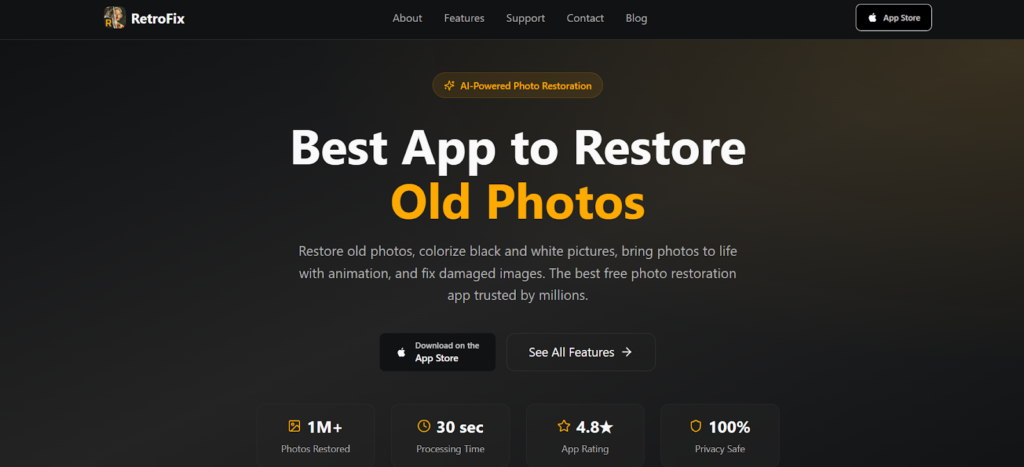
RetroFix is an AI-powered app that restores old photos. You can download it now and start using it. The goal is to help you preserve family memories without a lot of hassle. Millions of people have tried it, and the app gives you a lot of features while keeping things simple.
You can repair torn or damaged photos, colorize black-and-white images, or animate still portraits. None of it requires much learning—the interface is pretty easy to figure out.
What stands out is the animation piece. It goes beyond just fixing damage. You take an old photo, and the app turns it into a short moving video. That gives you a different way to preserve family memories. Privacy is handled well, processing is fast, and there is a free trial if you want to try it before you decide.
3. VanceAI Photo Restorer
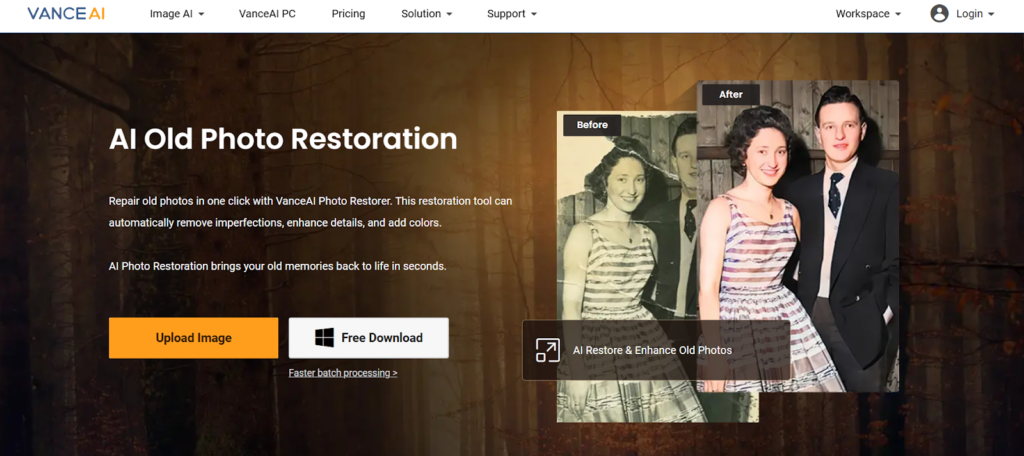
VanceAI Photo Restorer focuses on simplicity. You click once, and it takes care of scratches, tears, and spots while boosting image quality. It is a good fit if you want something that works both online and offline, since they offer a desktop version alongside the web tool.
Beyond basic repair, there is a dedicated face enhancement feature. It helps make sure portraits look sharp and natural. You can also restore faded colors or colorize black-and-white photos, which is useful if you plan to print them.
Privacy is straightforward. Images get automatically deleted from the servers after 24 hours, so you do not have to worry about them sitting around.
4. NoteGPT’s AI Photo Restoration
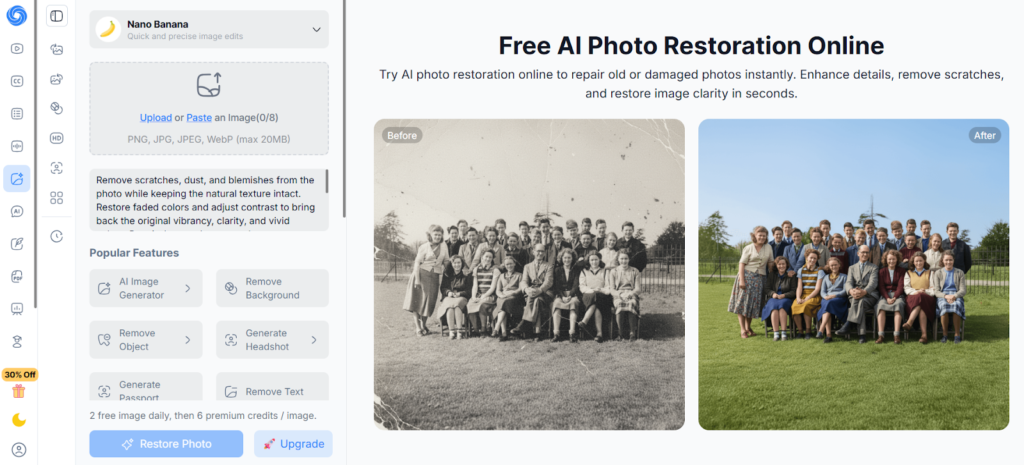
NoteGPT’s AI Photo Restoration is completely free and works right in your browser. No software to download. No complicated editing to figure out. You just upload a photo, and the tool handles scratches, blurriness, and fading in seconds.
That is the main appeal. Professional restoration services can get expensive, and traditional editing software takes time to learn. This tool skips all of that. Results come back fast, and the original quality stays intact.
If you have more than one photo to fix, batch processing lets you do several at once without repeating the same steps over and over.
5. Imglarger
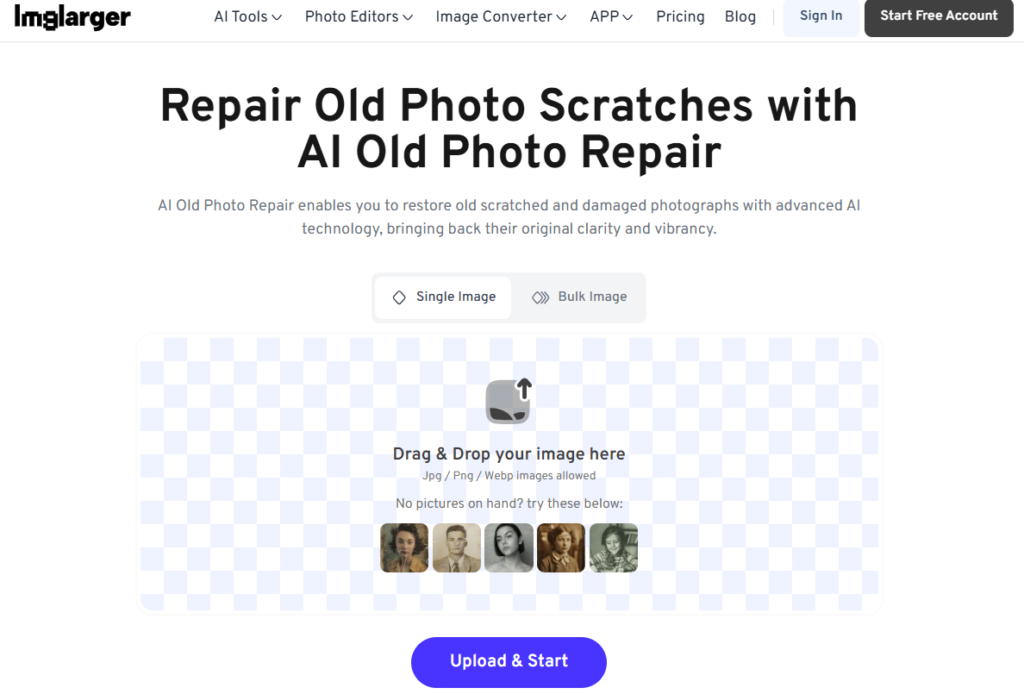
Imglarger uses a straightforward process to restore old photos. You upload the image, and the tool removes scratches and brings back faded colors. It works well for family archives, historical projects, or getting images ready for social media. Single images and batches are both supported.
Beyond scratch removal, Imglarger offers a few other useful features. You can upscale the resolution up to 8K. There is an auto background remover. Batch processing helps with larger collections. Images are deleted from the servers after six hours, and you can start without signing up.
What to Look for in Photo Repair Tools
Not every tool works the same. Before you pick one from the list below, here’s what actually matters.
- AI repair: Skip tools that just blur things. You want one that actually rebuilds missing details naturally.
- Speed: Under a minute is the goal. One click is even better.
- Extra features: Sharpening, colorizing, lighting fixes—nice to have so you’re not switching apps.
- Privacy: Check if they delete your photos after processing. Bonus if you don’t need an account.
- Batch processing: Saves time when you’ve got more than one photo to fix.
Stick to these points, and you will end up with a tool that fits your needs.
Conclusion
So if you have old photos with scratches or creases, you don’t have to leave them like that. The tools we covered actually work. They fix the damage quickly and without making you learn complicated software.
Each one uses AI to handle the hard parts. That means you can skip manual editing and avoid paying someone else. Just pick the tool that fits your device, your budget, and the type of damage you are dealing with. Restoring those old memories is easier than most people think.